Writing a cut
One cut = one sticky note. One line for the prompt—not a script scene number.
✍ Writing one line per cut (one sentence is enough)
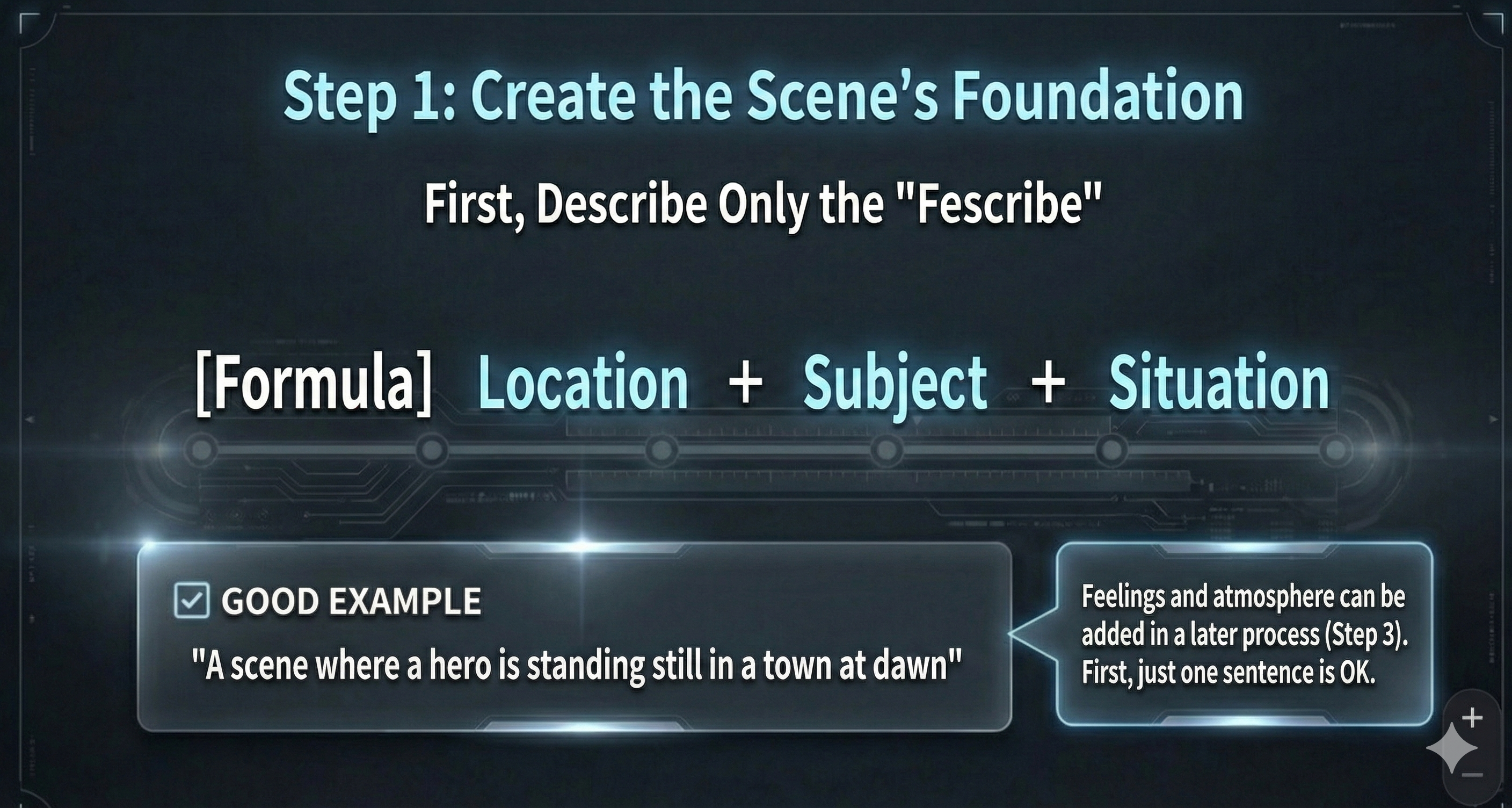
Put **this cut’s situational premise** (often **not** directly on screen, but the **context and story flow** that shape how this cut reads) **in parentheses (...)** immediately **after** that line; write it **with enough detail**. **Do not invent** beyond the script. This line (and optional parentheses) becomes the foundation for lens, camera movement, style, and atmosphere.
✅ Example (ready to use)
A hero stands still in a town at dawn (script-grounded context, e.g. right before the battle—optional).
Body = visible facts; **(...)** = script-grounded premise—**enough detail**. Cut-wide mood → Step 3. On-screen expression/attitude (e.g. standing angry) may go in the body.
🧩 A simple template
- Where: at dawn in a town / in a rainy alley / in the desert
- Who: a hero / a lone explorer / a shadowy figure
- What: stands still / runs / stares back
Tip: keep it short. Start with “where + who + what”, then add details in Step 2 and Step 3.
AI scene line
When generating cuts, the AI reads your script and fills the one-line scene plus the situational premise in parentheses—the same shape you’d write by hand on this page.
🚀 Start Film Production Now!
Now that you've read and understood the documentation, try experiencing film production with Directors Console.