AI features
Overview of eight AI tools and the recommended workflow.
AI Features Built In
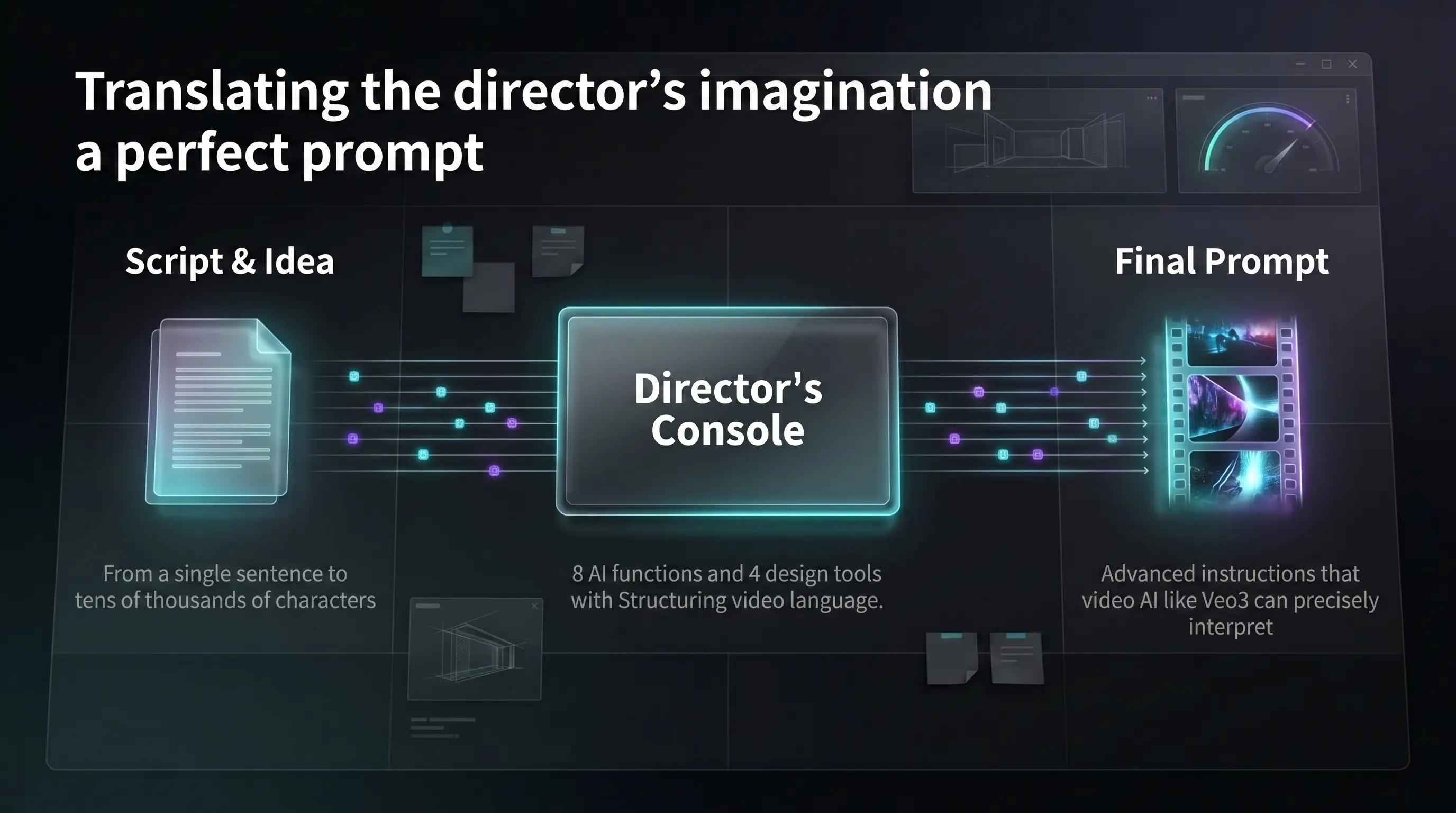
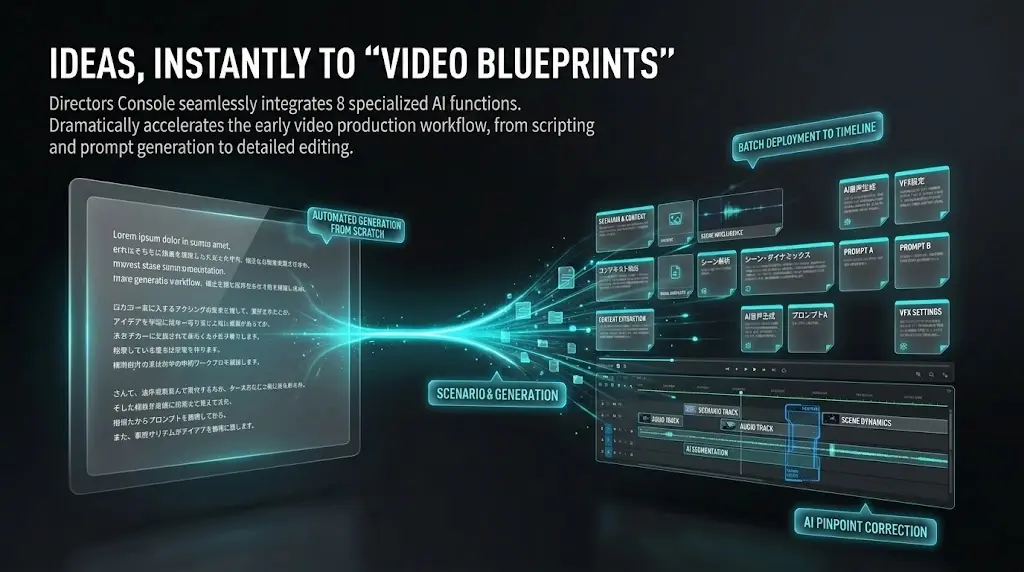
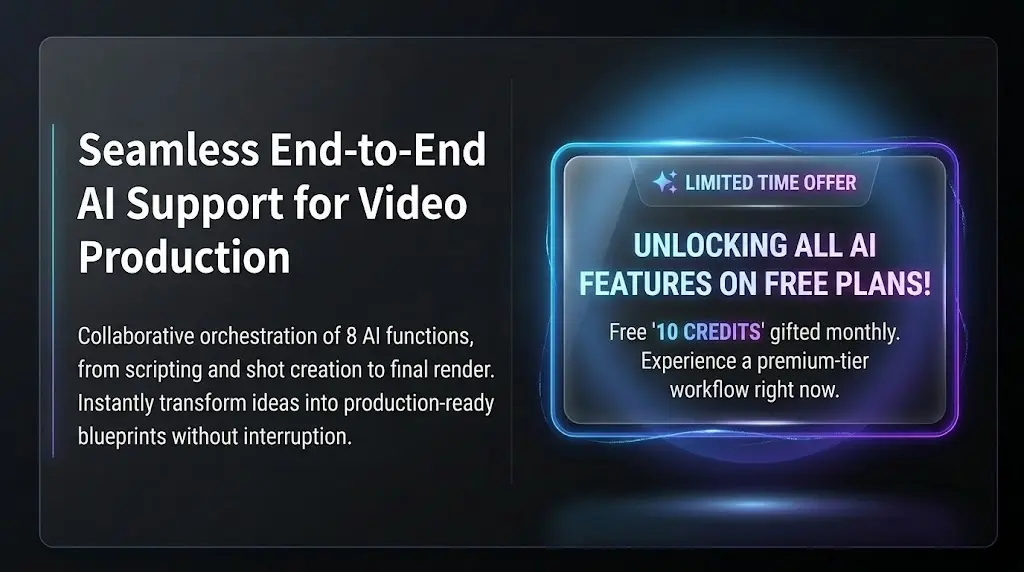
From script creation and continuations to cut generation and refinement — AI accelerates your workflow.
Footage from prompts built in Directors Console
The story was created in script mode with main genre Romance and sub-genre Suspense.
Video generation was done inside Veo’s Flow.
Workflow: bulk-generate cuts for one scene → generate video for the first cut → review (use cut AI refine if needed) → when it’s approved, move to the next cut → bulk-generate cuts for the next scene together → repeat.
We recommend generating video cut by cut, fixing prompts with cut (prompt) refinement when needed, and moving on once each cut is approved.
[Prom Night] Episode 1
[Prom Night] Episode 2
Main genres: Gang & Suspense × Sub-genre: Hard-boiled.
Main genre: Human drama × Sub-genres: Romance melodrama, romance melodrama, twist of fate.
Made with a script generated in script mode by entering: “Please create a script for Genesis chapters 1–2 of the Old Testament (from the creation of heaven and earth through the birth of Adam).” (other genres and keywords left at default). Because narration is supported, educational and explainer videos can be produced as well.
Genesis from the Old Testament (1)
Genesis from the Old Testament (2)
Genesis from the Old Testament (3)
8 AI Features
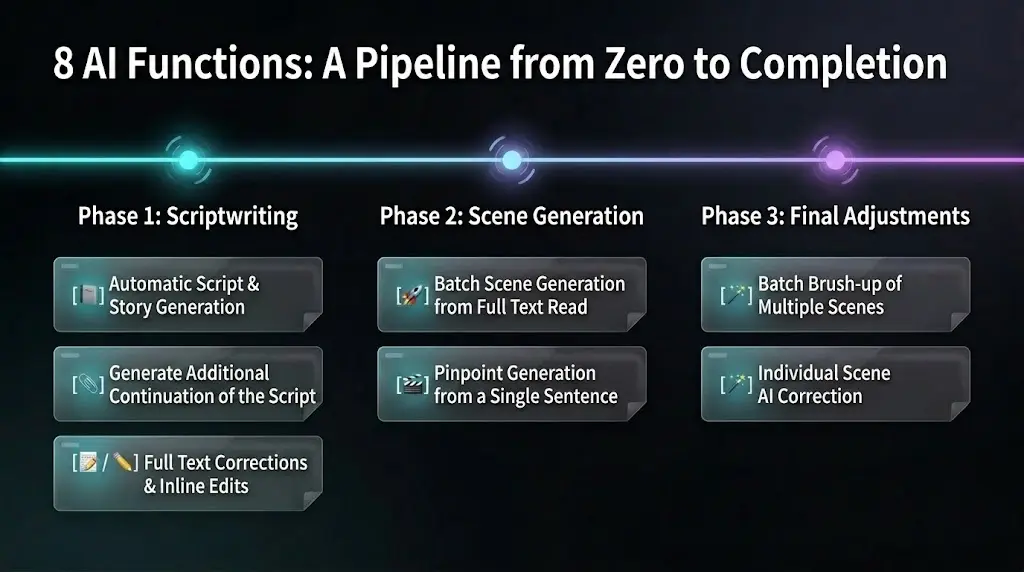
Generate scripts & stories with AI
Generate scripts from scratch by selecting conditions
AI bulk rewrite of the full script
Rewrite the entire script with instructions and quick chips; preview before applying
Refine any part of the script with AI
Select text and instruct AI to rewrite just that range (inline)
Bulk-generate cut prompts from the full script
Auto-generate all cuts from the entire script at once
Fill gaps: generate individual cuts from script lines
Generate a single cut from a specific part of the script
Bulk AI refine of cut prompts
Brush up many timeline cuts at once from one instruction
Individual AI refine of cut prompts
Improve one selected sticky with AI suggestions
Continue your script with AI
Append the next act or a section-2–style continuation after your existing script
Recommended Workflow